RESUME & CV

A resume portrait with nothing to explain.

Straightforward framing, considered wardrobe, and enough warmth to feel like a person rather than a template.
Create this headshotRecommended framing: 4:5
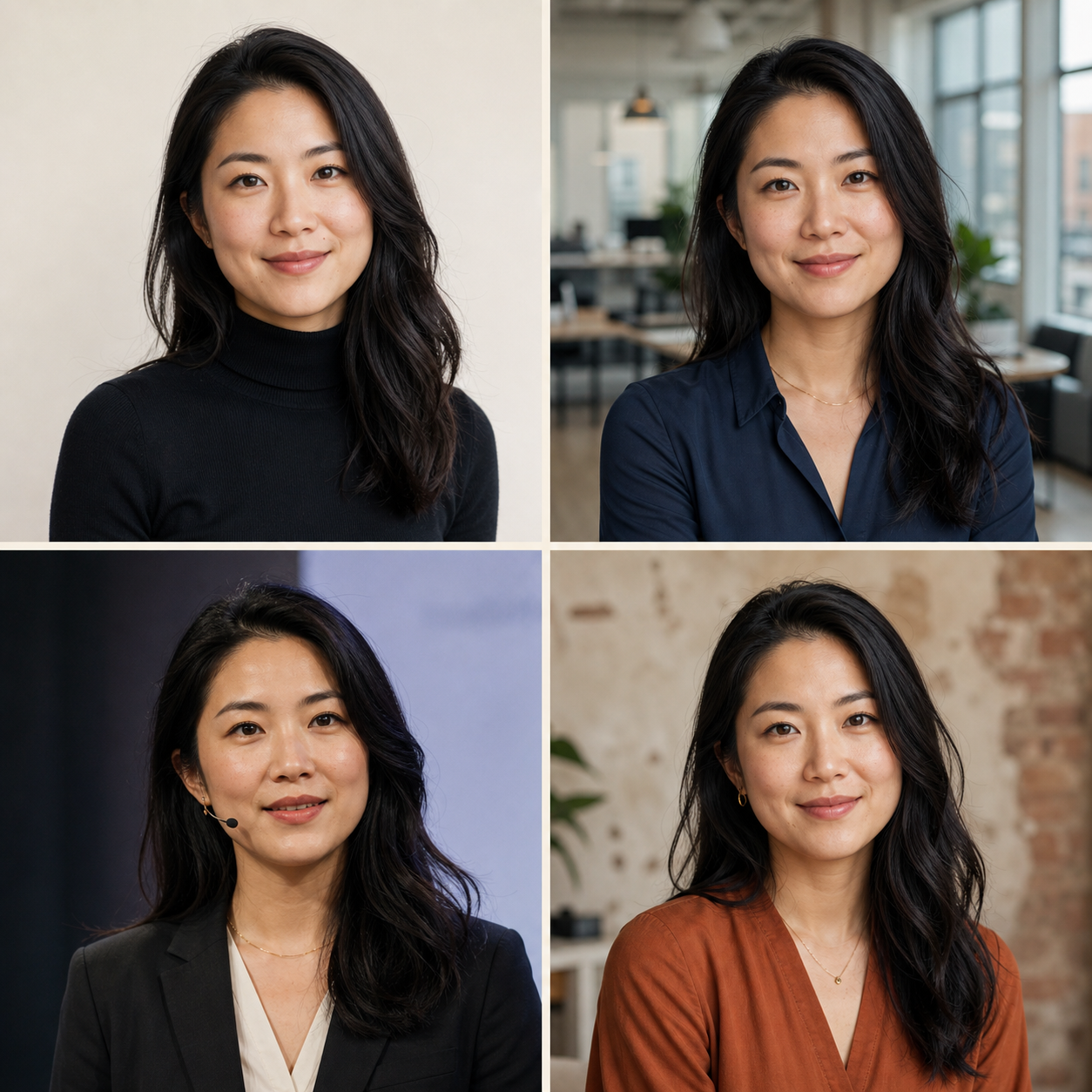
Four professional profile photo style proofs of the same person
Generated examples using one identity

The brief

Designed for where the photo will be used.

Good for

  • Resume
  • Curriculum vitae
  • Portfolio biography

What the Studio tunes

  • Choose a simple neckline and avoid visually noisy patterns.
  • Use a neutral crop that works beside dense resume typography.
  • Keep expression composed and human rather than overly posed.

Output guidance

One selected profile proofRequested framing / 4:5Resolution target / 2K

Final pixel dimensions follow the generated proof.

Recommended styles

Start with a direction that fits the role.

The style coordinates background, light, wardrobe, expression, and composition as one decision.

Style direction

Clean Studio

Quiet, precise, and useful almost anywhere.

Use this style
Style direction

Executive

More authority, without the boardroom cliché.

Use this style
Style direction

Black & White

Graphic, timeless, and focused on expression.

Use this style

A simple workflow

From reference to a usable portrait.

  1. 1

    Add a reference

    Use a clear, current photo that looks like you.

  2. 2

    Choose a direction

    Pick a style instead of writing a long prompt.

  3. 3

    Review the result

    Check likeness, expression, crop, light, and context.

  4. 4

    Keep your favorite

    Download the full-size portrait you choose.

Practical answers

Should every resume include a photo?
Practices vary by industry and location. FaceFave creates the portrait; you decide whether a photo suits the application.
Can I keep the result understated?
Yes. Choose a quiet recommended direction with neutral styling and no attention-grabbing scenery.

Create a resume & cv photo you can use today.

Create my headshot